World and Level Design
Version 3.0
Updated: Map Design
Players can choose level by drag and drop sliding to the left and right.
- Unlocked levels will appear greyed out.
- If players complete level successfully, the next level appears colored (unlocked).
Player names, player-is-online-indicator (red/ green dot), game room code and character switcher appear at the top.
- Players can switch characters by a press on the button.
Unique level name, level thumbnail appear in the center of the screen.
Ready button for both players appear in the bottom. If it is pressed by both players, the level loads.
The World Map continues telling the storyline after the cutscene ended. That creates even more immersion, the feeling of discovery and lets the players feel unique and let them tell their "own story". At first the characters have to explore the rainforests...
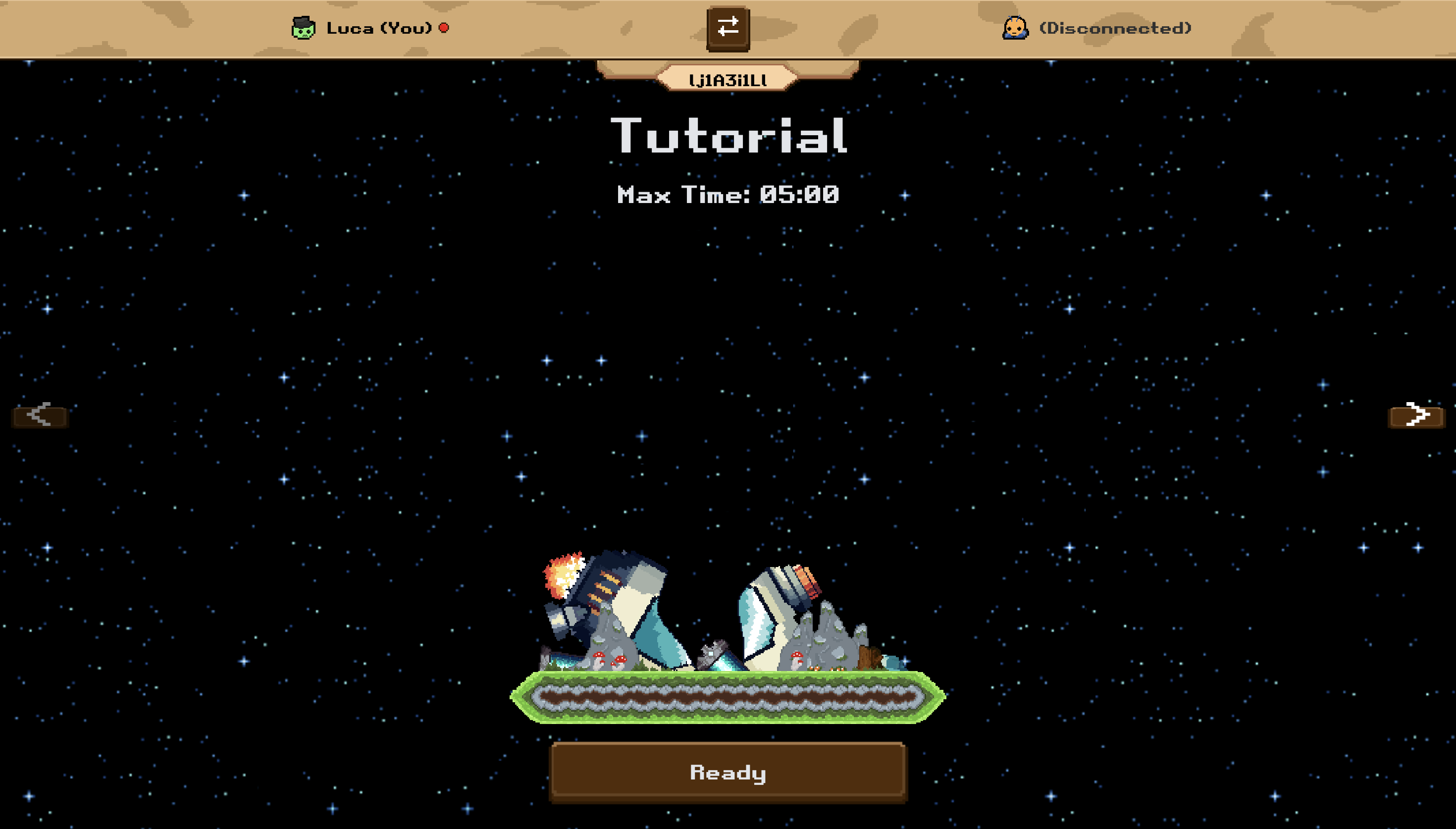
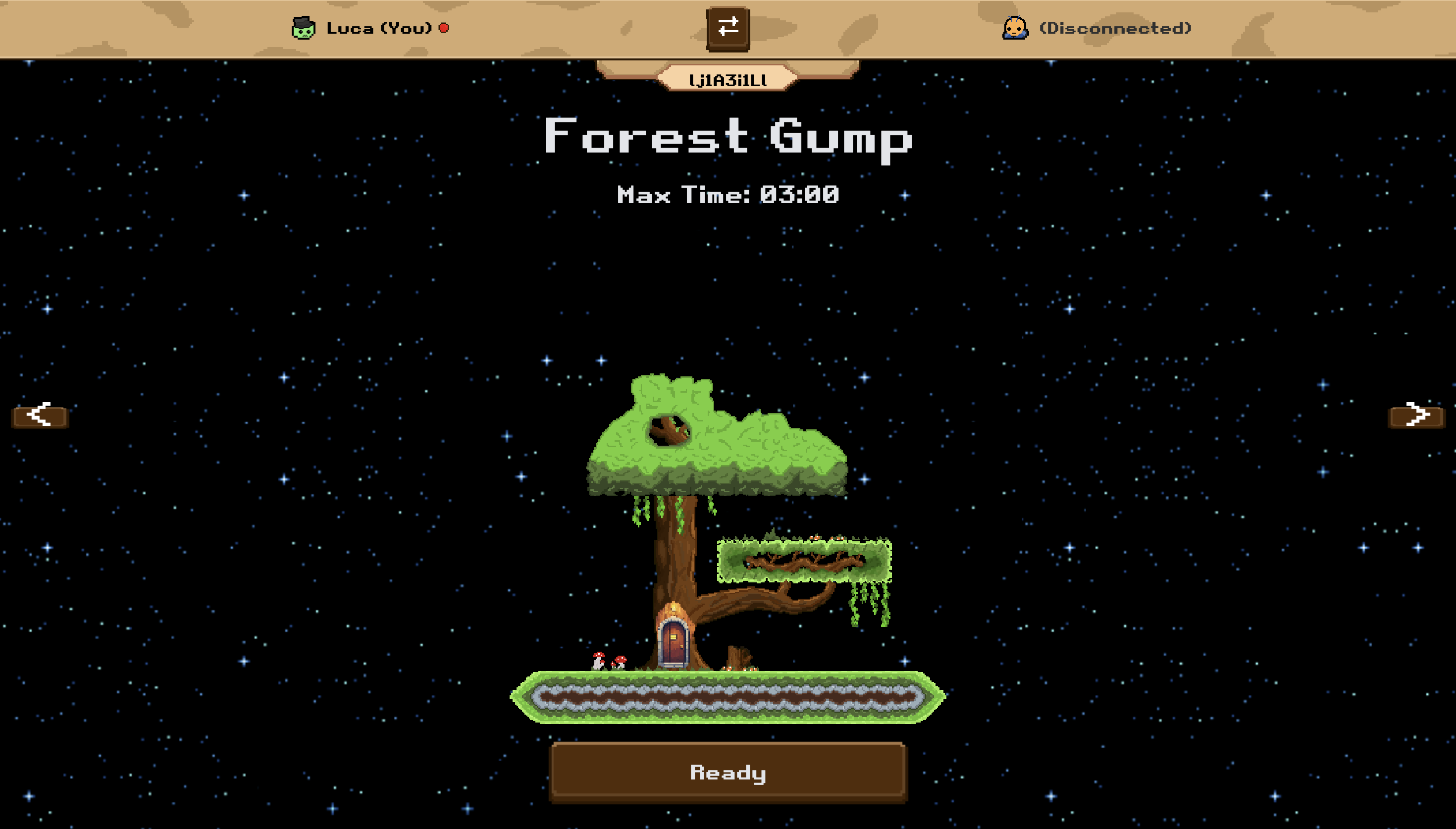
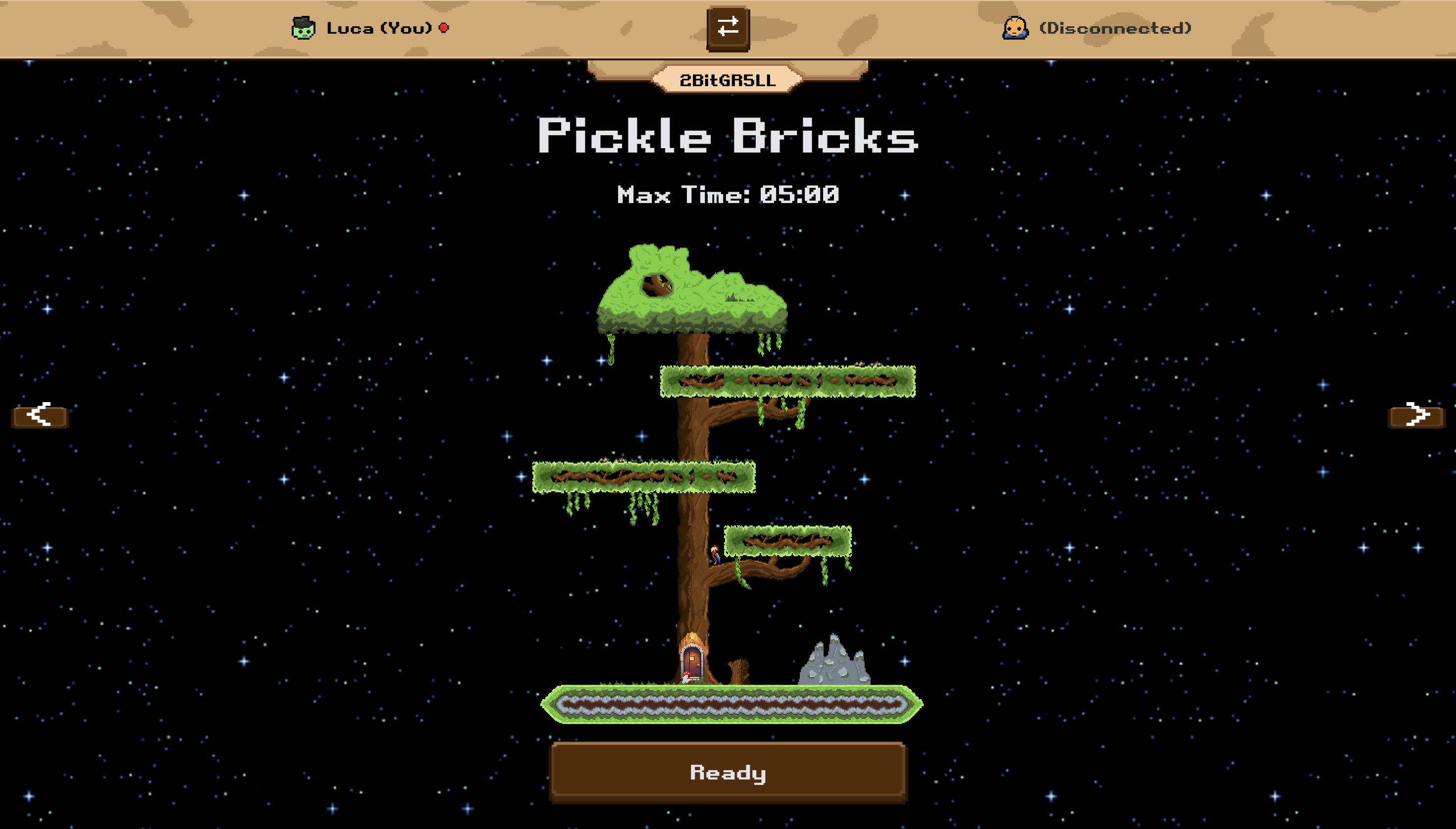 ... and then the caves to ...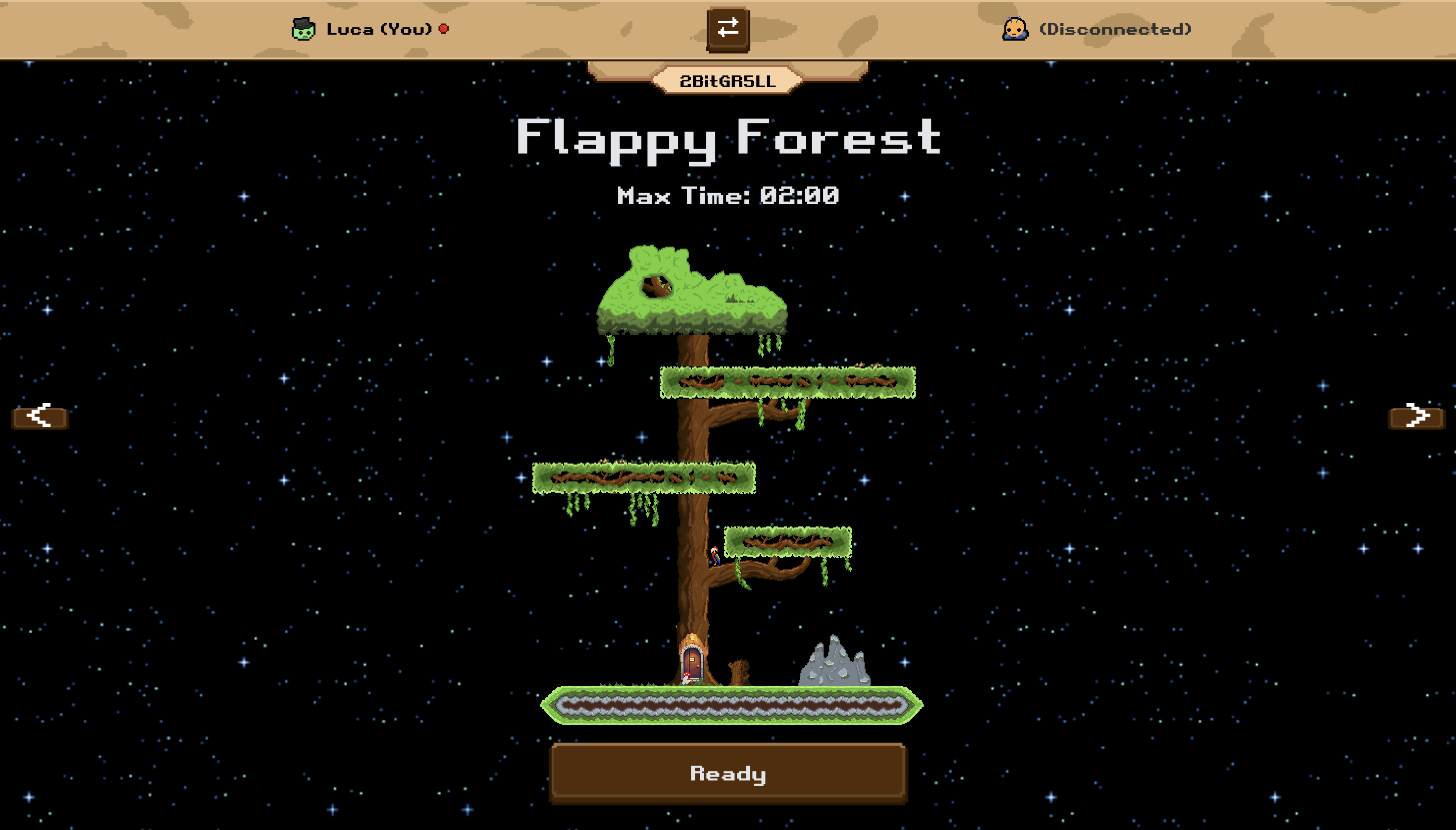
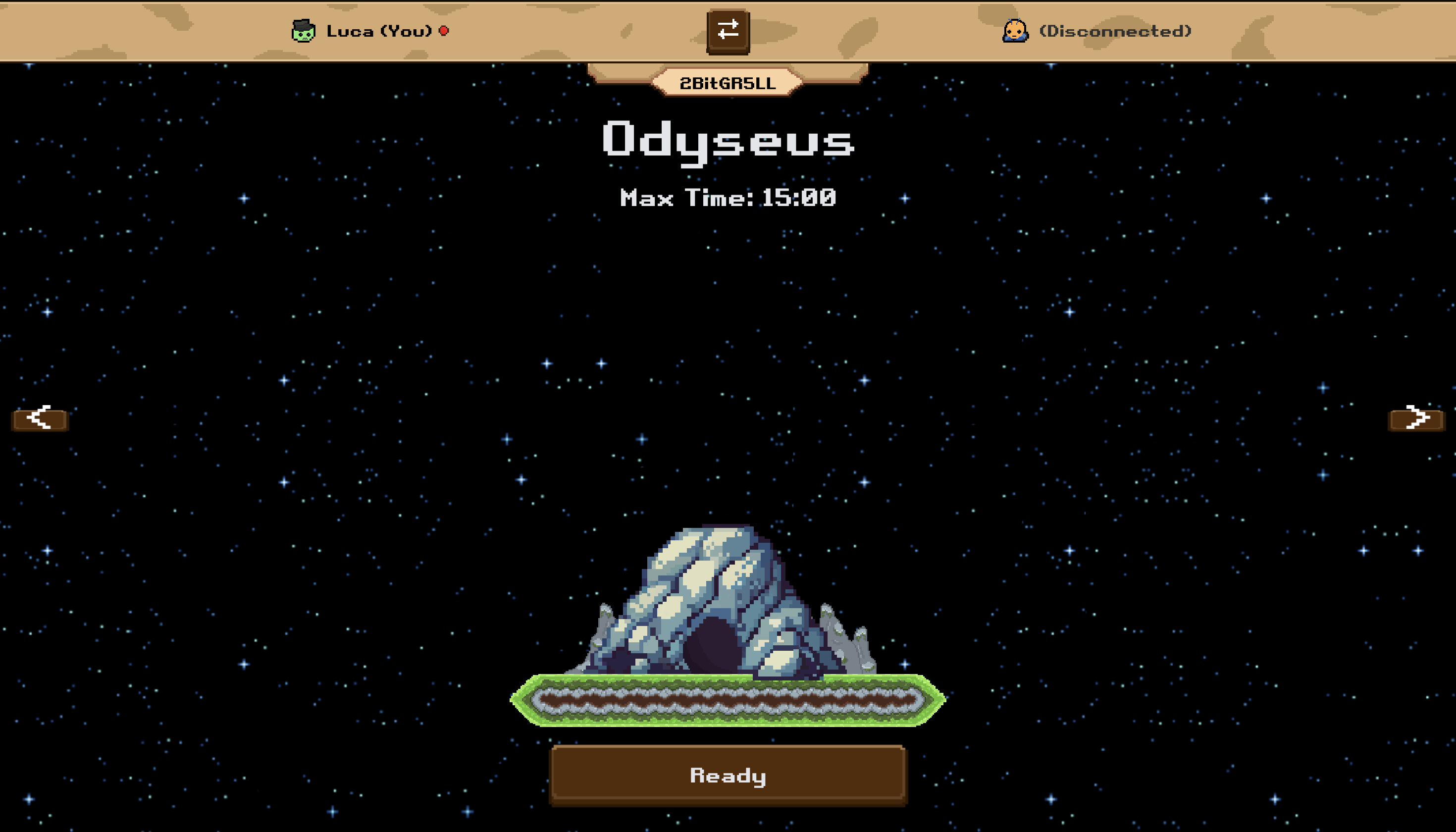
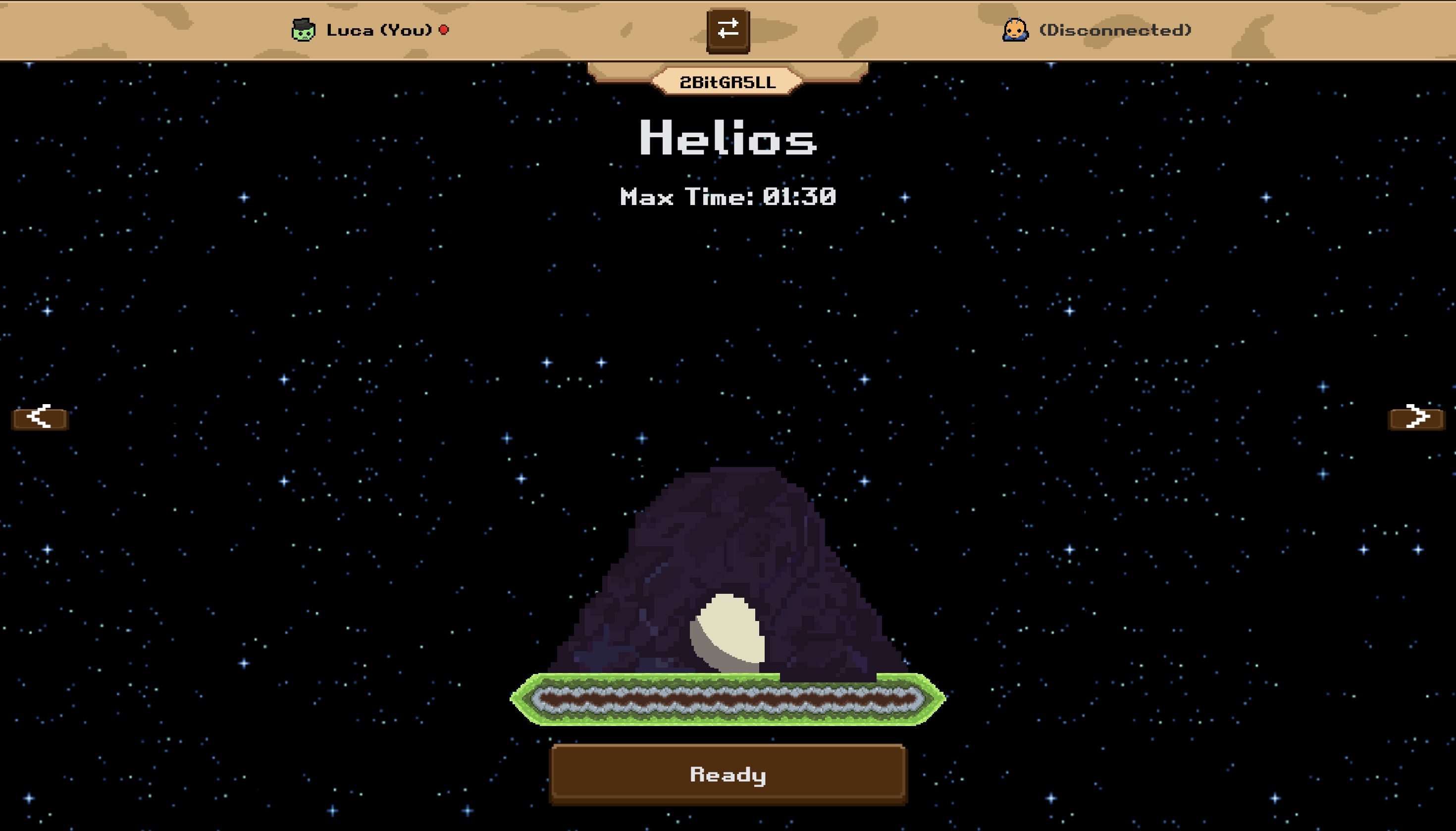 ... find all spaceship parts, repair the spaceship and take off to space.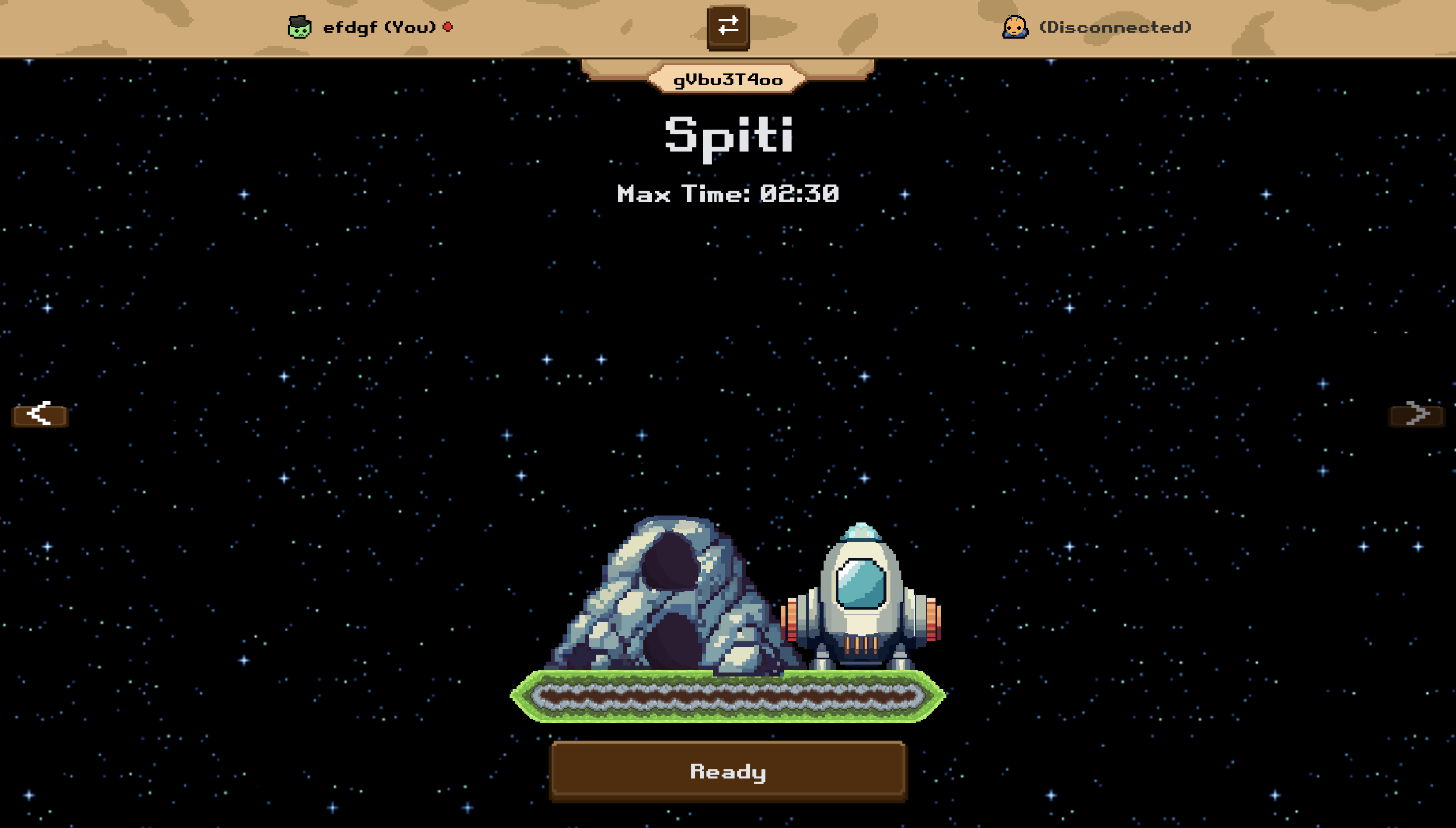
Downloads
Bioms
Cave
- breakable_floor.aseprite
- Cave.aseprite
- cavearea_background.aseprite
- cavedoorheight3.aseprite
- cavedoorheight4.aseprite
- cavedoorheight5.aseprite
Rainforest
- BreakableFloor.aseprite
- DoorHeight3.aseprite
- DoorHeight5.aseprite
- DorrHeight4.aseprite
- GSF_OutsideArea.aseprite
- OutdoorArea_Trapdoor.aseprite
- OutsideArea_Background.aseprite
- OutsideAreaTrapdoor.aseprite