Characters & Controls (v1.0)
Characters
What is his/her/its story?
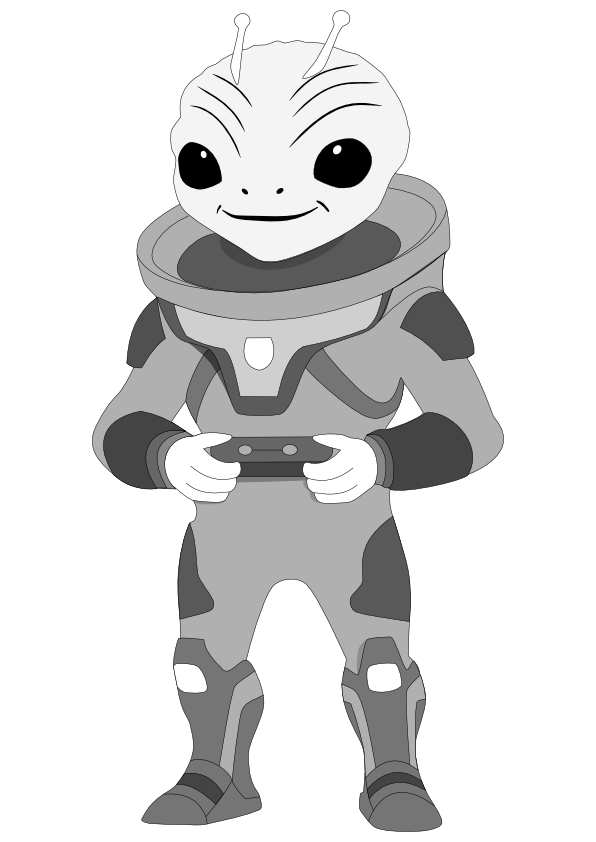
Character 1 “Major Dom” - The Protagonist:
 Download
 - The Alien-Space-Ranger started at it’s home planet “Ra” as a Baby-Ranger. While growing up, the Ranger always wanted to travel it’s Galaxy or even the whole Universe. It started travelling 50 years ago, which means that he is now 100 years old. Major Dom had some great adventures and met a Slimy Alien on the way, which is now his teammate accompanying him through the universe.
- The name “Major” in his name shows the importance of the main character.
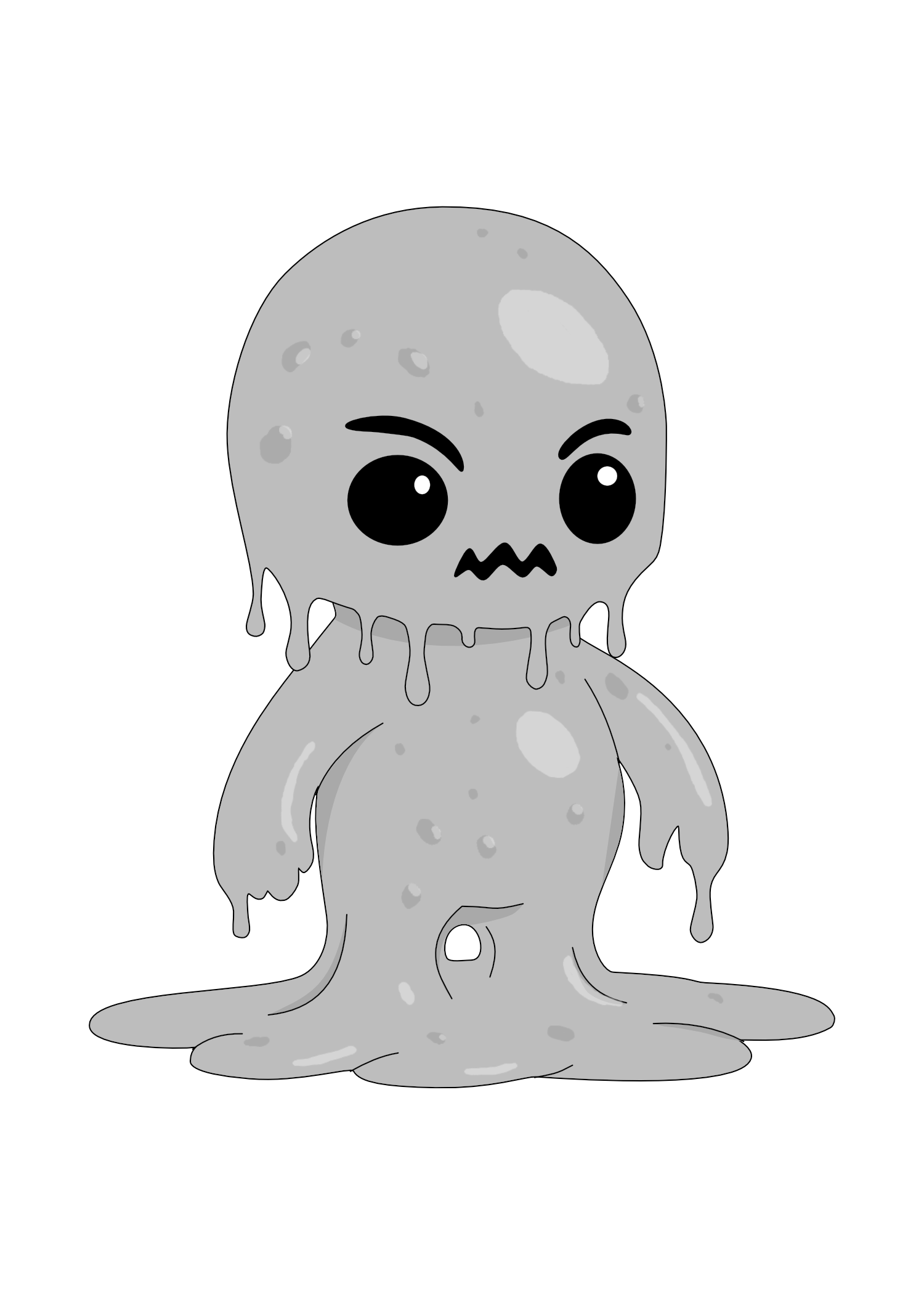
Character 2 “Moot” - The Sidekick:
 Download
 - The Green-Slimy Alien, which grew up on a silent planet all alone, was found 20 years ago by his current partner, the Alien-Space-Ranger Major Dom. He taught him how to speak. The only sentence, which Moot can say outloud seems to be “I am Moot.”
- The name “Moot”, which means “irrelevant” in german, should show the character's feelings of lonelyness.


What can they do that is unique/ special to this game?
- The USP of the game describes the possibility to shift the gravity (by both players pressing G at the same time).
Can the player do several types of activities?
- Each player can jump, pull and push boxes, collect items, shift gravity (in collaboration with the other player) and revive the other player
- Additionally, each character has a signature item/ power attack
Character 1 “Major Dom”:
- Uses it’s Laser Phaser to shoot enemies.
- Can only defeat 'Legionary'.
Character 2 “Moot”:
- Uses it’s green slime drag enemies to itself and devour it afterwards (by stretching his body parts).
- Can only defeat 'Colossus'.
Special Information
Character 1 “Major Dom”:
- Is considered an Alien-Space-Ranger, which seeks to travel the whole Universe. His signature item, the Laser Phaser, is always with him.
Character 2 “Moot”:
- Is considered a Green-Slimy Alien.
Controls
Who controls the characters?
- Each player controls one character using keys for actions and movement.
Pressing A
- Moves the controlled character to the left.
Pressing D
- Moves the controlled character to the right.
Pressing Spacebar/W (or S if on the ceiling)
- While touching the ground it will make the character jump.
- Jumping while on the floor will make the character go up, jumping while on the ceiling will make the player go down.
Pressing G
- Votes for a 'Gravity Shift'.
Holding Shift
- While moving to the left or right lets you drag boxes if close to them.
Stepping on pressure plates
- Activates them, leading to a certain action happening in the level.
Holding F
- While next to a Heal-Totem, over the span of a few seconds, will revive a killed teammate, spending one Revive-Token.
Pressing E
- Activates the currently equipped gadget.